 WordPress Theme
 WordPress Plugin
 Pages Builder
 Elementor
 WooCommerce
 Templates Kits
 ChangeLog
MotoPress Appointment Booking Plugin
90.000₫

Original Product
Lifetime Updates
Unlimited Website Usage
Safe & legal under GPL
 By
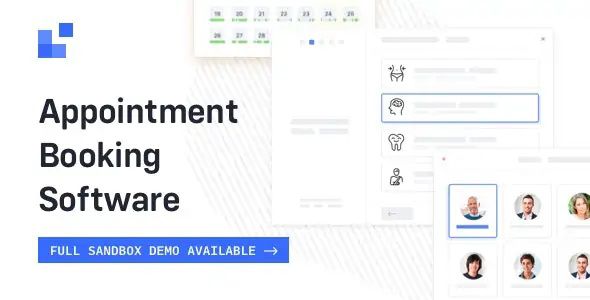
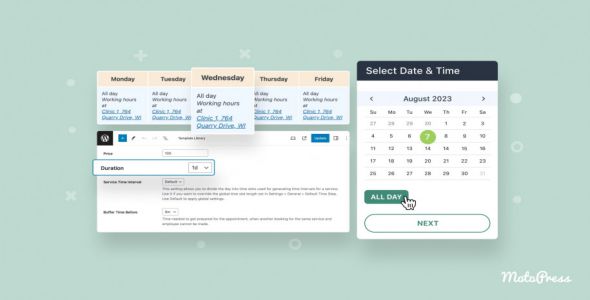
ByMotoPress Appointment Booking Plugin is an all-in-one scheduling solution for WordPress websites offering hourly-based services. It enables solo professionals and multi-employee businesses to automate appointment bookings, accept online payments, and manage calendars – all without any third-party tools.
Key features of MotoPress Appointment:
-
Flexible Appointment Scheduling
Set custom working hours, breaks, buffer times, and appointment durations for each service or staff member. -
Multiple Staff & Locations Support
Assign different services, availability, and locations to multiple employees with independent calendars. -
User-Friendly Booking Wizard
Let clients book appointments easily through a step-by-step front-end booking form—mobile-friendly and customizable. -
Online Payments via Stripe, PayPal & More
Accept secure payments online or offer offline payment options directly from the booking form. -
Automated Email Notifications
Send confirmation, reminder, and follow-up emails to both clients and staff automatically. -
Google Calendar Sync
Sync staff availability and bookings with their Google Calendars to prevent overlaps and double-booking. -
Shortcode & Elementor Integration
Embed booking forms anywhere using shortcodes or Elementor widgets for full design flexibility.
Related products