

 WordPress Theme
 WordPress Plugin
 Pages Builder
 Elementor
 WooCommerce
 Templates Kits
 ChangeLog
Free Download
Floater – Sticky Navigation Menu for Elementor
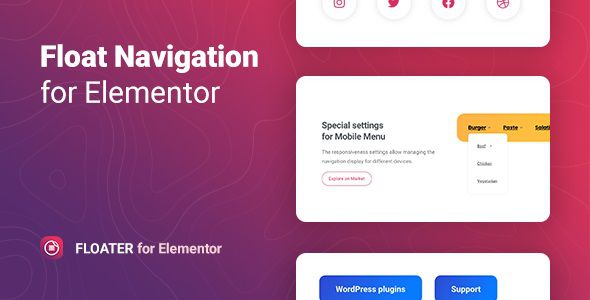
Floater the ultimate Elementor addon for creating sticky and floating navigation menus. In the fast-paced digital world of 2026, user experience (UX) is everything. If a visitor has to scroll all the way back to the top to find a menu link, you risk losing them. Floater ensures that your most important navigation links, social icons, or call-to-action buttons are always exactly where the user needs them: right at their fingertips.
Key Features:
- Seamless Elementor Integration: Works as a native widget within the Elementor interface, allowing for a familiar drag-and-drop design process.
- Smart Sticky Triggers: Set your menu to appear after a specific scroll distance, a percentage of the page, or only when the user reaches a specific section.
- Advanced “Hide on Scroll” Logic: Keep the interface clean by setting the menu to disappear when scrolling down and reappear instantly when the user scrolls back up.
- Mobile-First Design Controls: Fully customize the mobile experience, including different icons, sizes, and positioning for smaller touchscreens.
- Entrance & Exit Animations: Choose from a variety of smooth, high-end transitions (Fade, Slide, Zoom, or Bounce) to make the menu’s appearance feel polished.
- Extensive Styling Options: Gain total control over background transparency, blur effects (glassmorphism), box shadows, borders, and typography.
- Multi-Button Support: Create floating “Action Hubs” that include several buttons, such as “Call Now,” “Book Appointment,” and “Social Media” in one compact space.
- Smooth Anchor Scrolling: Perfect for one-page websites; the menu automatically highlights the current section and scrolls smoothly to the next.
- Lightweight & Performance-Optimized: Built with clean code to ensure that the floating effect doesn’t impact your page load speed or SEO rankings in 2026.
- Conditional Display Rules: Choose to show or hide your floating menu on specific pages, posts, or even for specific user roles.